How to Redesign Your Room with AI (Step by Step)
AI room design has completely changed how people think about home decorating. Instead of spending weeks browsing Pinterest or paying for a consultation with a designer, you can now take a photo of your room and see a realistic redesign in seconds. Whether you want to redesign room ai style — quickly and on your own — or just want fresh ideas, here's exactly how to do it.
What You Need to Redesign Your Room with AI
- A phone (any smartphone works)
- A photo of your room
- The DecorAI app — free, no credit card needed
That's genuinely it. No design experience, no expensive software, no complicated setup required.
Step 1: Take a Photo of Your Room
Good lighting makes a big difference. Try to take your photo during the day when there's natural light coming in — avoid dark or shadowy corners. A wider angle shot that shows most of the room gives better results than a close-up of a single corner. Stand near the doorway or entrance to capture the full space.
Don't stress too much about perfection — the app works with everyday phone photos. A clean, bright, wide shot is all you need. Any photo works, but a better photo gives you better results to work with.
Step 2: Upload It to DecorAI
Open the DecorAI app on your phone or go to decorai.blog on any browser. Tap the + button and select your room photo from your camera roll — or take a new photo directly in the app. DecorAI works on iPhone, Android, and web, so you can use whatever device is most convenient. The app is free to download and free to start using right away.
Step 3: Choose Your Design Style
This is the fun part. DecorAI gives you 40+ interior styles to choose from — everything from calm and minimal Japandi to bold Art Deco, from cozy Scandinavian to sun-soaked Mediterranean. Browse through the style options and pick one that catches your eye. For ai room design experimentation, try at least three or four styles before settling on a favorite. Each one creates a completely different feel, and you might be surprised which one you fall in love with. Some popular ai interior style choices right now: Japandi, Modern Farmhouse, Boho Chic, and Minimalist.
Step 4: See Your Redesigned Room
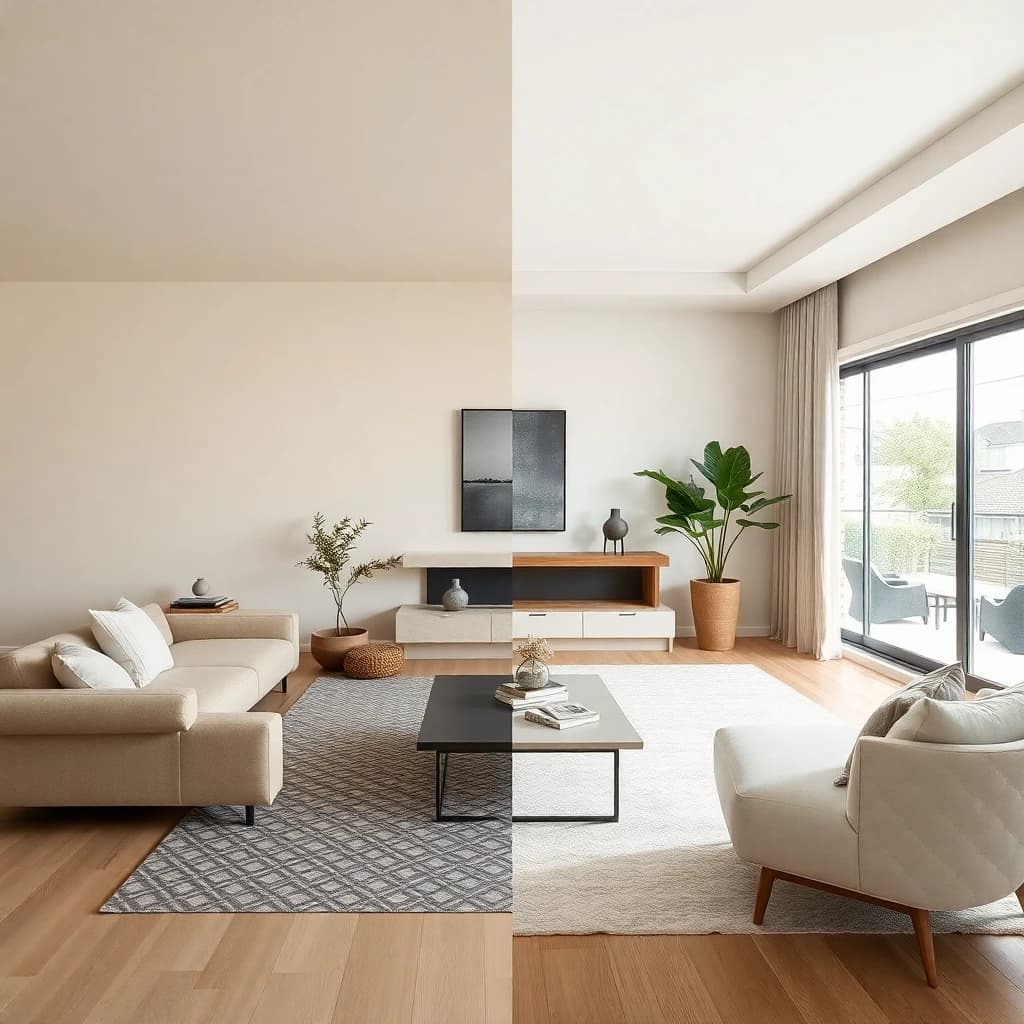
The app generates your ai generated interior design in seconds. You'll see a realistic version of your room in the style you chose — same walls, same windows, same basic layout, but completely transformed. Use the before/after comparison to see exactly what changed. Save the designs you love, and keep trying more styles. The best part of ai room design is that you can experiment endlessly without moving a single piece of furniture — or spending a single dollar on anything you don't love. Once you've found a look you're excited about, use it as your shopping guide.
What Rooms Can You Redesign with AI?
Any room in your home works — living rooms, bedrooms, kitchens, bathrooms, home offices, and kids' rooms are the most popular. But DecorAI goes further than just interior spaces. You can also redesign your exterior (the outside of your house), your garden or backyard, and even experiment with floor plan layouts. It's a complete home design toolkit in one free app.
Tips for Getting the Best AI Room Redesigns
- Take your photo in natural daylight for the clearest, most realistic results
- Shoot from a corner or doorway to show as much of the room as possible
- Try at least 5 different styles before deciding — you might surprise yourself
- Save your favorites to compare them side by side before making any real decisions
- Use the before/after share feature to get opinions from family or friends
Start Redesigning Your Room Today
You can go from plain room to dream room in under 60 seconds. No credit card, no design skills, no waiting. Just download DecorAI, take a photo, and see what your space could really look like. Available free on iPhone and Android.
Try DecorAI Free
Upload a photo of any room and see it redesigned in seconds. 40+ styles, free to start, no design skills needed.
More from the DecorAI Blog
- Best AI Interior Design Tools to Try in 2026
- AI Living Room Design: Transform Your Space from a Photo
- AI Bedroom Design: Create Your Dream Bedroom from a Photo
Further Reading
Try DecorAI Free
Upload a photo of any room and get a realistic AI redesign in seconds. Free to download — no credit card or design skills needed.


Free to download · iOS & Android · Also available on web