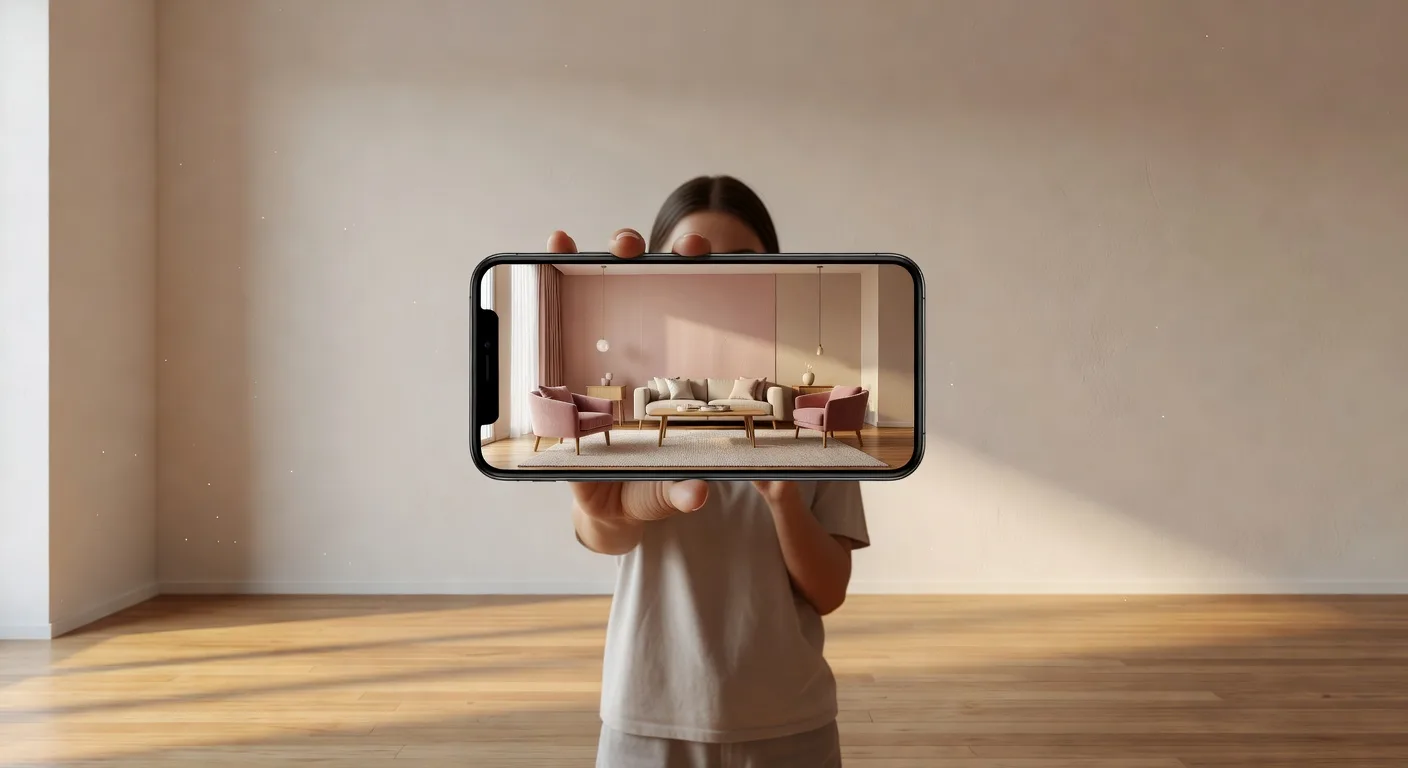
How to Redesign My Room with AI (No Design Skills Needed)
The question almost everyone asks before they try an AI design tool is the same: "Can I really redesign my room with AI?" The honest answer is yes — and it is much simpler than you think. You do not need a designer, a Pinterest moodboard, or a single piece of new furniture to see your room completely transformed. You need a photo, a phone or laptop, and about a minute.
This is a simple, practical guide to redesigning your room with AI in 2026 — from the first photo to the final saved design — for people who have never tried it before.
Can I Really Redesign My Room with AI?
Yes. The fastest way to redesign your room with AI is to use DecorAI — a free interior design app for iPhone, Android, and web that turns a single photo of your room into a fully redesigned version of the same space. You upload one photo, choose a style, and see your room transformed in seconds. No design experience required. No credit card. No furniture purchases.
The result is your actual room — same walls, same windows, same proportions — reimagined in a brand-new style. That is what makes AI room redesign so useful: you are not staring at a stranger's beautiful kitchen, you are looking at your own kitchen, redesigned the way you might actually want it.
What You Need Before You Start
The whole point of AI room redesign is that you barely need anything to begin. Here is the short list:
- A phone or laptop. Anything with a camera or photo library will do.
- A clear photo of your room. Stand at one end of the room and take a wide shot that captures the main wall, the floor, and as much of the space as possible.
- Good natural light. Photos taken during daylight produce noticeably better results than dim evening shots.
- The DecorAI app. Free on iPhone, Android, and in your browser.
That is it. No measuring, no floor plans, no design vocabulary, no shopping carts. The AI does the heavy lifting.
How to Redesign Your Room with AI in 4 Simple Steps
The full process takes about a minute once you have the app open. Here is exactly what to do:
- Take a photo of your room. Stand back so you capture the whole space — walls, windows, floor, and any major furniture. If the photo feels representative when you look at it, it will work for the AI.
- Upload it to DecorAI and choose your room type. Living room, bedroom, kitchen, bathroom, office, kids room, outdoor space — pick the one that matches. This helps the AI understand the context.
- Pick a style from the visual menu. You will see preview images for every style — Japandi, Modern Farmhouse, Scandinavian, Coastal, Bohemian, and many more. Tap the one that catches your eye.
- See your room transformed. Within seconds, the same room appears with a completely different look. Save it, try another style, compare them side by side. This is where the magic clicks.
The first time you do this, the moment your room comes back transformed is genuinely surprising. It does not feel like a Pinterest result — it feels like a possible future for your space.
Which Rooms Work Best?
AI room redesign works on every room in a home, but some rooms produce noticeably more dramatic before-and-after results than others. The biggest visual transformations almost always come from:
- Living rooms. Large open spaces with lots of surfaces — walls, floor, sofa, art, lighting — give the AI plenty to reimagine. Living room redesigns tend to be the most striking.
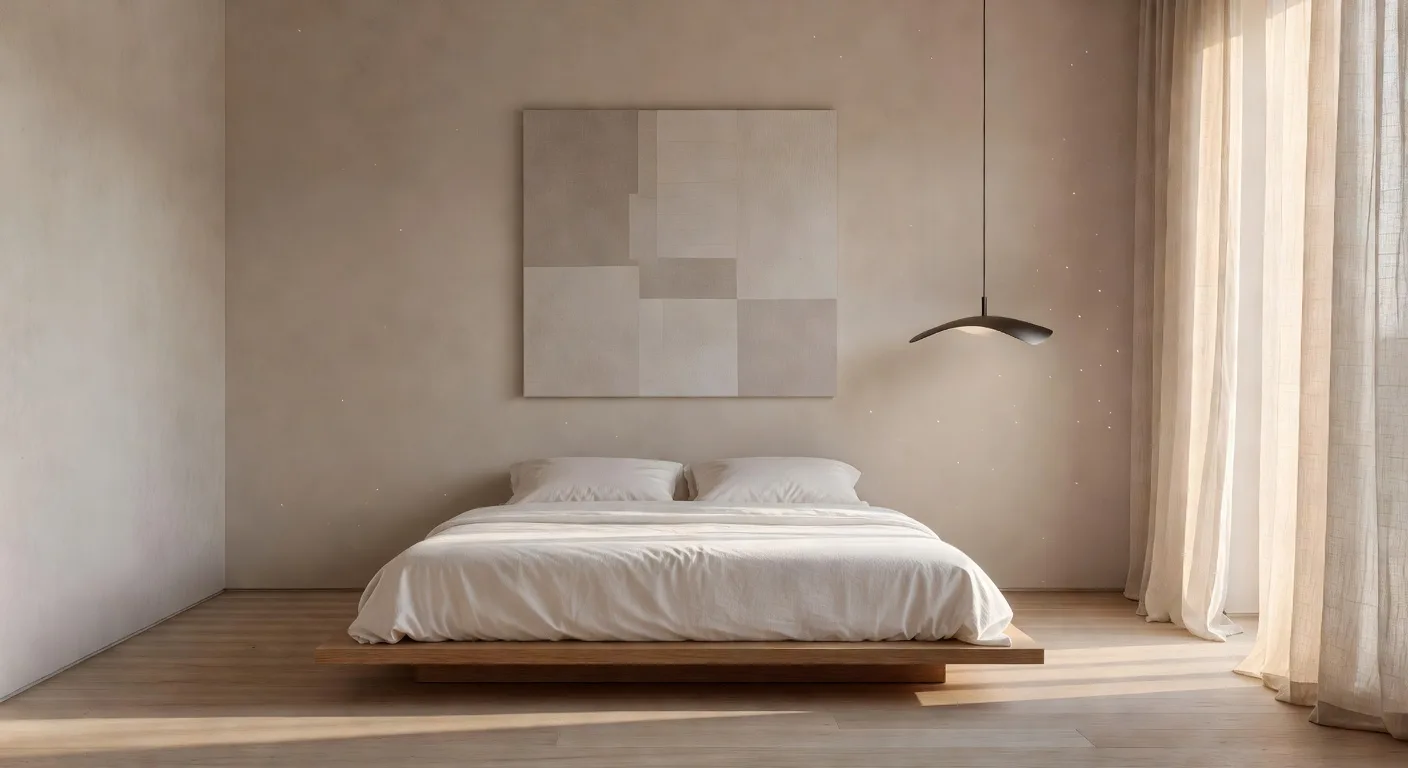
- Bedrooms. Bedding, lighting, and wall color drive most of the feeling in a bedroom, and all three are very easy for the AI to swap. Bedroom redesigns are quick wins.
- Kitchens. Cabinet color, countertop material, and hardware finish make or break a kitchen. AI lets you compare options before spending a dollar on real cabinetry.
- Bathrooms. Tile, vanity finish, and lighting are the easiest things to misjudge in a bathroom renovation. AI gives you the answer in seconds.
If you have ever felt stuck on what to do with a room, redesigning it with AI is the fastest way to unlock fresh thinking.
Picking the Right Style for Your Room
This is the part that intimidates people who have never thought about interior design before — and it should not. The simplest approach is to pick three styles that look different from each other and try all three on the same room. The contrast tells you more about your taste than reading a style guide ever will.
A good starter set in 2026 is something like Japandi (calm and warm), Modern Farmhouse (welcoming and lived-in), and Bohemian (full of personality). After you see the three results, you will know which direction your gut actually wants to go.
From there, narrow down. Try two variations of the style you liked most. Compare them. You will find your answer through seeing, not thinking.
What to Do With Your Redesign
Once you have a redesign you love, it becomes a working brief for the rest of your project. Here are the most useful ways people actually use AI room redesigns:
- As a shopping guide. Use the result to search for similar sofas, rugs, lighting, and accessories. You will spend less time browsing and end up with a more cohesive room.
- As a paint chip test. The wall color in the AI result is a powerful starting point for picking real paint samples.
- As a renovation brief. Show the result to a contractor, kitchen designer, or builder. A picture solves an entire conversation about what you actually want.
- As inspiration to share. Share the result with your partner, family, or friends to align everyone before making decisions.
Tips for the Best Results
A few small habits make AI room redesigns dramatically better:
- Take photos in daylight. The AI reads your room better when it is well-lit.
- Tidy lightly before photographing. Remove visual clutter (laundry, paperwork, dishes) so the AI focuses on the room itself.
- Try at least three styles. One style is a guess. Three is a comparison. That is when your real preferences emerge.
- Generate several variations. Even within the same style, you will get slightly different interpretations. The fourth try is often the keeper.
- Save your favorites. Build a little library of "yes" rooms so you can revisit them and notice the common thread.
What If My First Result Does Not Look Right?
This is the most common worry, and the answer is: regenerate. AI room redesign is not a one-shot game. The first result is a sample; the third or fourth is usually the keeper. If the lighting is off, try a different time-of-day photo. If the proportions feel cramped, take a wider shot. If the style does not land the way you expected, try a neighbor style — Modern Farmhouse instead of Modern, or Japandi instead of Scandinavian. Small adjustments produce large differences in the result.
It is also worth remembering that AI redesigns are inspiration, not literal renders. You are looking for direction, not measurement. A redesign that captures the feeling you want is more useful than one that matches your exact dimensions but feels wrong.
Frequently Asked Questions
Is it free to redesign my room with AI?
Yes. DecorAI is free to download and free to start using. The free tier produces real redesigns on real rooms — no credit card required.
How long does it take?
A single redesign takes seconds. The full loop from opening the app to having a saved result usually takes under a minute.
Will the AI keep my room layout?
Yes. The redesign keeps the basic structure of your room — walls, windows, proportions — and changes the style, finishes, and furniture to match the look you picked.
Can I redesign my room more than once?
Yes. Most people try several styles on the same room. The free tier supports multiple redesigns.
Redesign Your Room with AI in Minutes
Upload a photo of any room and see it completely redesigned with DecorAI. Free on iPhone, Android, and web — no credit card needed.
More from the DecorAI Blog
- The Best AI Interior Design App in 2026 (An Honest Guide)
- How to Find Your Interior Design Style with AI
- How to Redesign Your Room with AI (Step by Step)
Further Reading
Try DecorAI Free
Upload a photo of any room and get a realistic AI redesign in seconds. Free to download — no credit card or design skills needed.


Free to download · iOS & Android · Also available on web